VIBES ARCADE Apply now
HOW TO USE VIBES

Make it. Tweak it. Send the link.

No code, no setup, no developer. Describe what you want, Vibes builds it, you share it, and anyone with the link can use it in real time.

PART ONE

Make it

Go to vibes.diy and start typing. You sign in with Google or GitHub after your first prompt. Everything runs in your browser, with nothing to install.
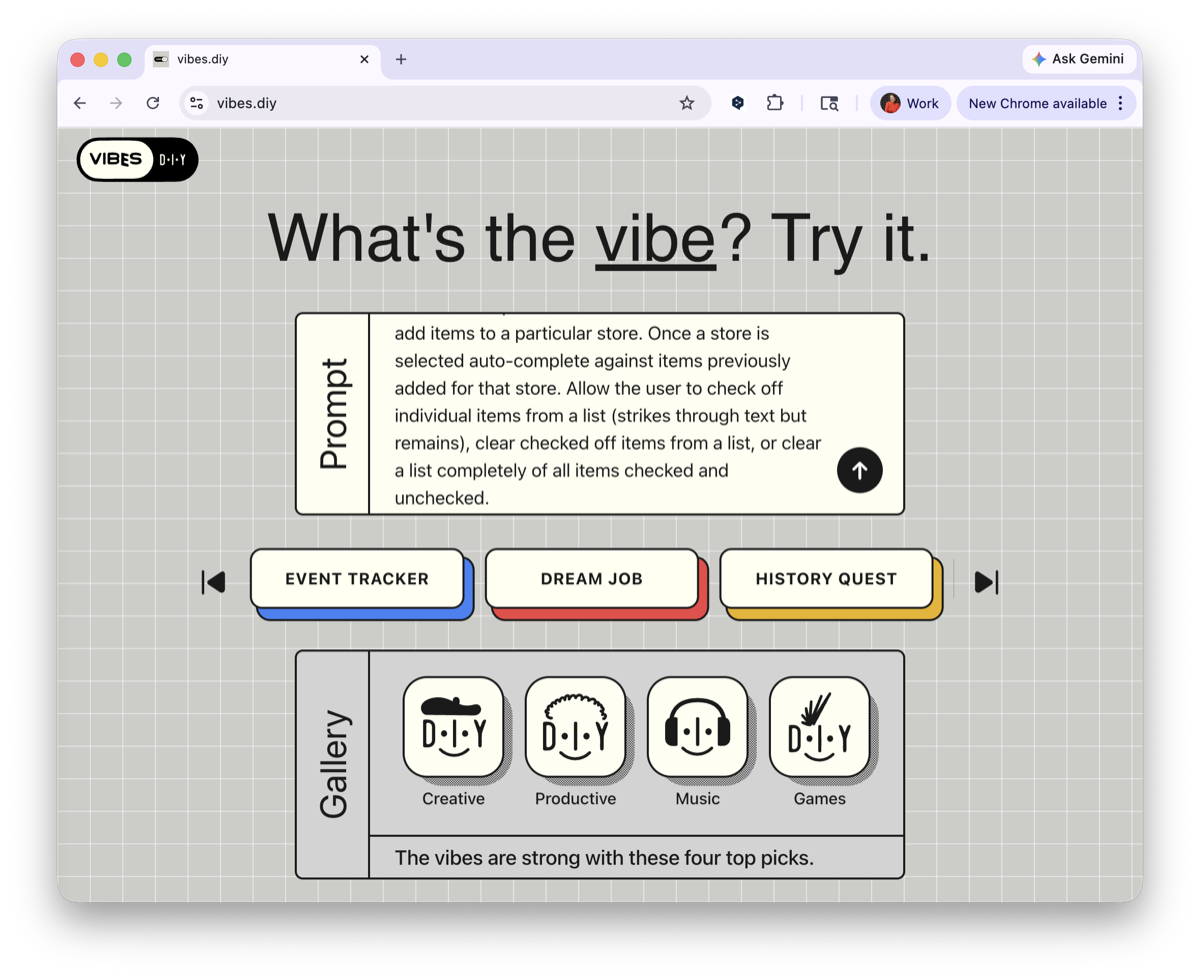
Typing an app idea into Vibes
Describe your app in plain words.
  1. Describe your app idea in a sentence or two, in plain words.
  2. Watch it build in real time as the code generates.
  3. Review the suggested improvements once it is done.
  4. Ask for changes in chat, like "add an autofill button."
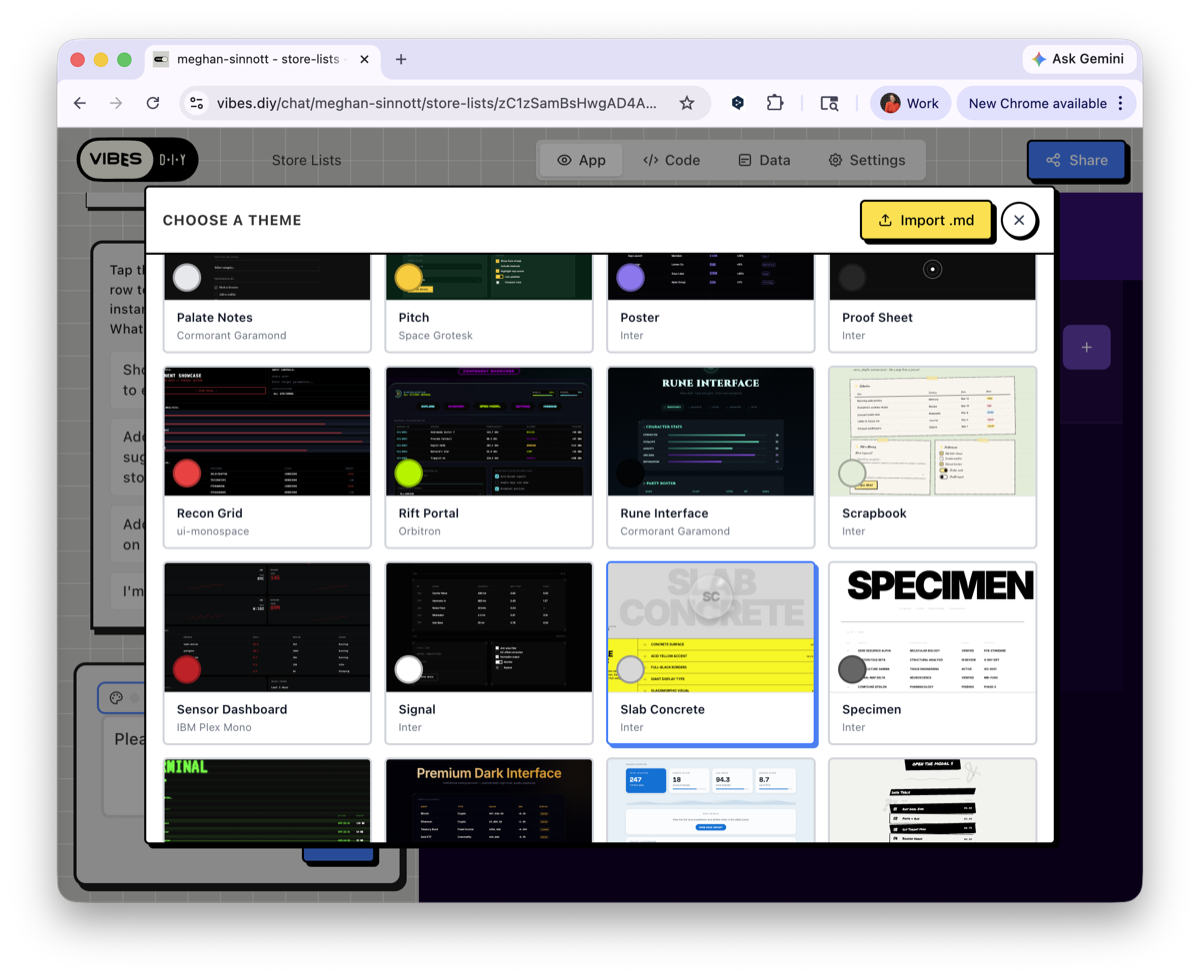
  5. Pick a built-in theme, or describe the look you want.
  6. Open the Code tab to edit the source directly.
  7. Keep iterating until you are happy with it.
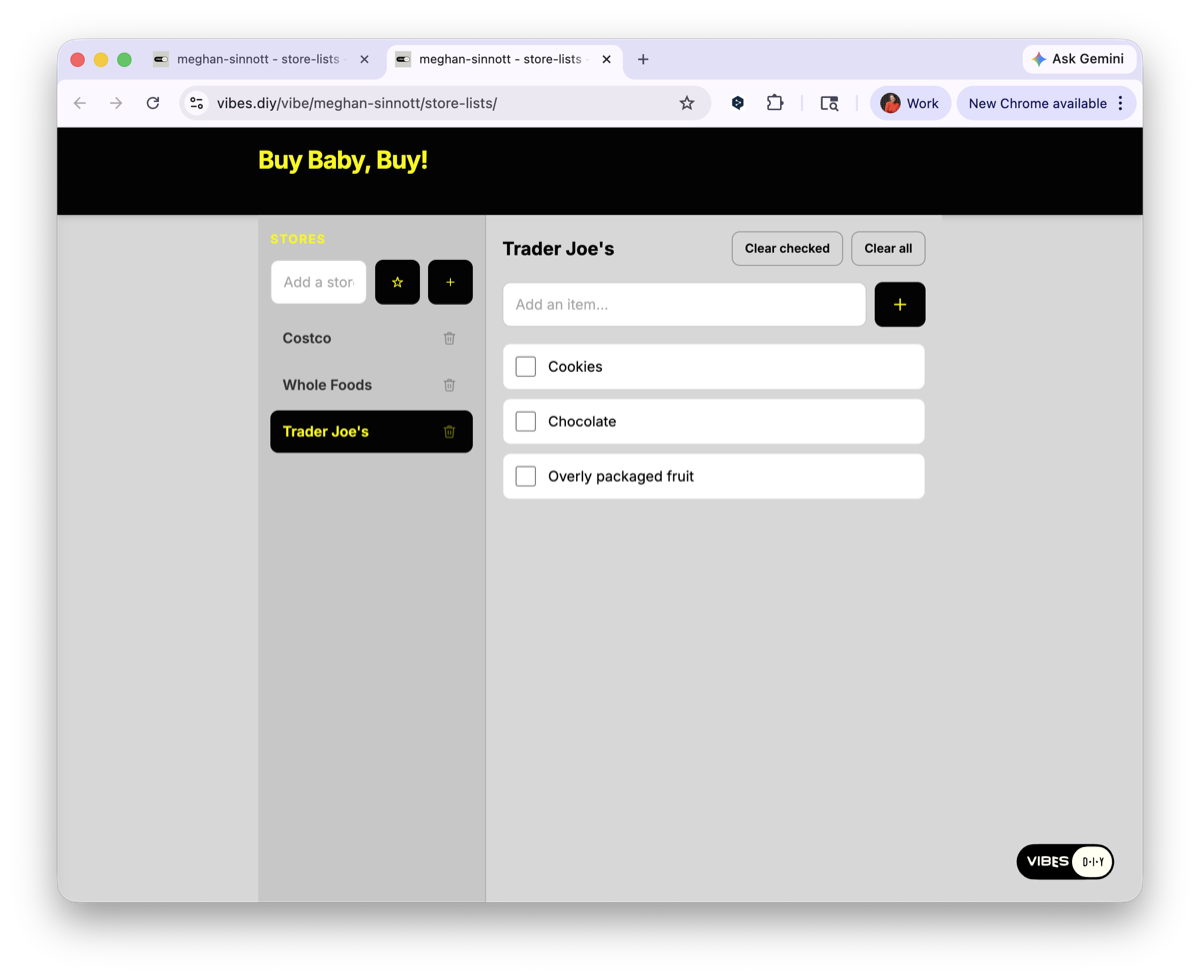
It is already saving your data. Add items, check things off, come back tomorrow. Everything is still there. No database setup, no backend to wire up.
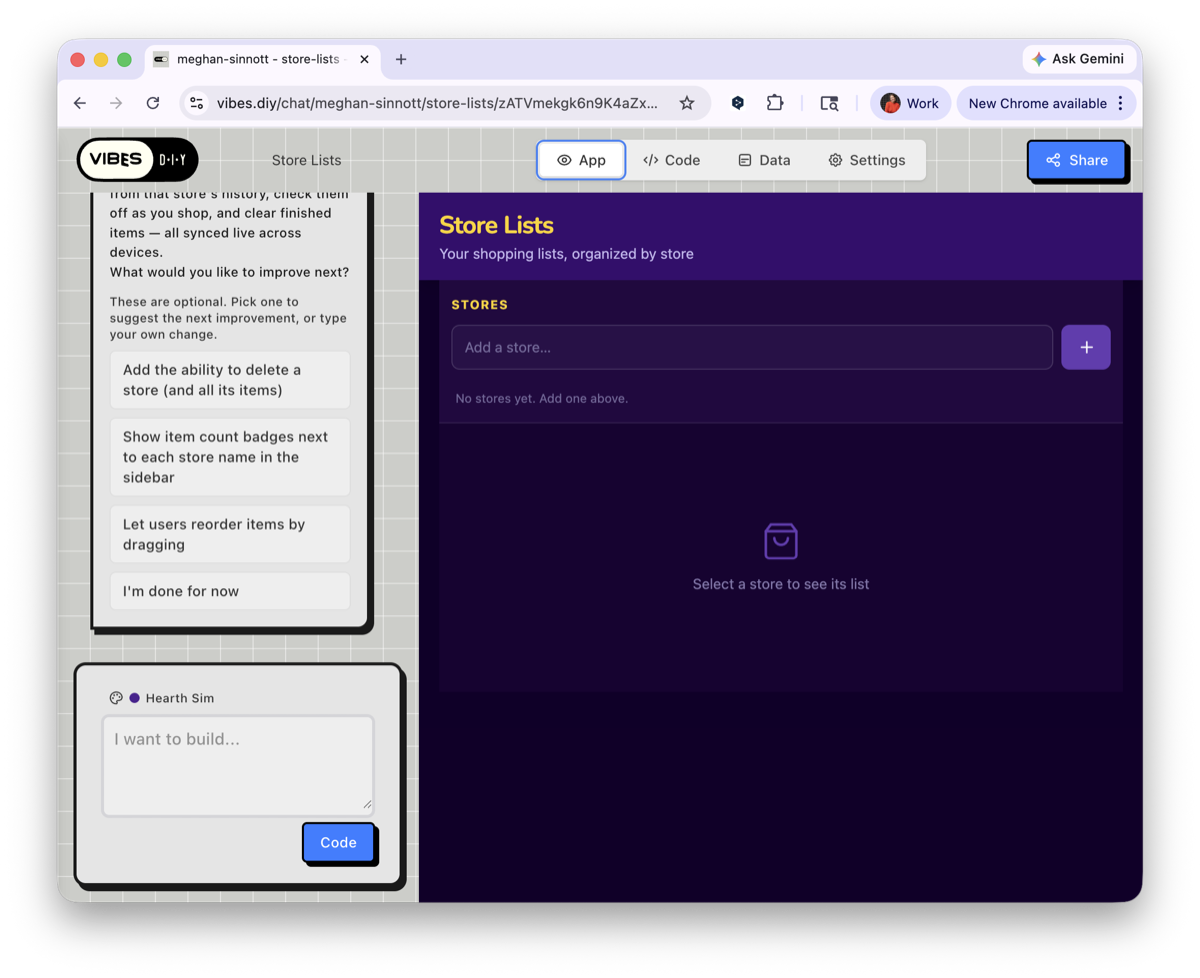
A finished app running live
Your app, live and already saving data.
Choosing a visual theme
Pick a theme or describe the look you want.
PART TWO

Share it

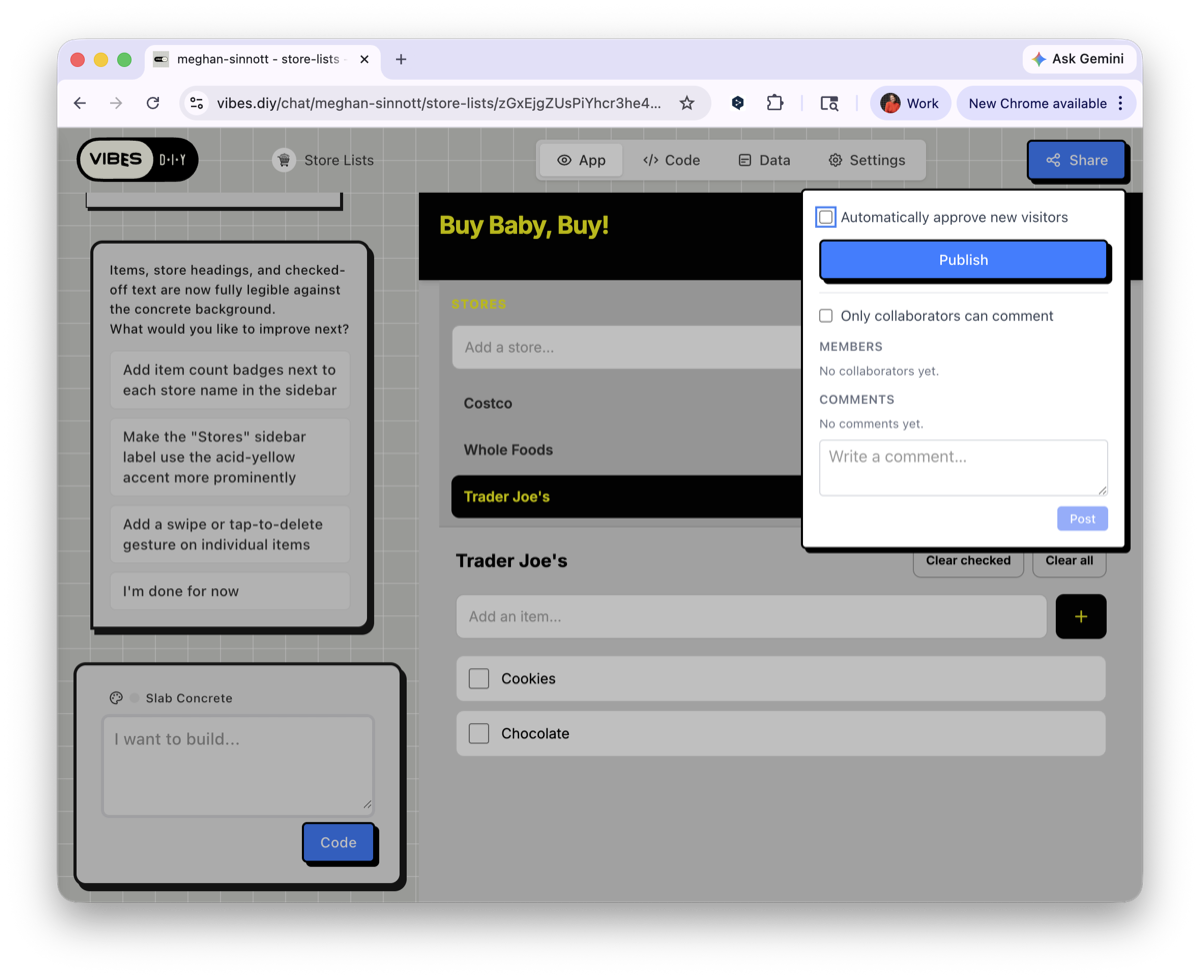
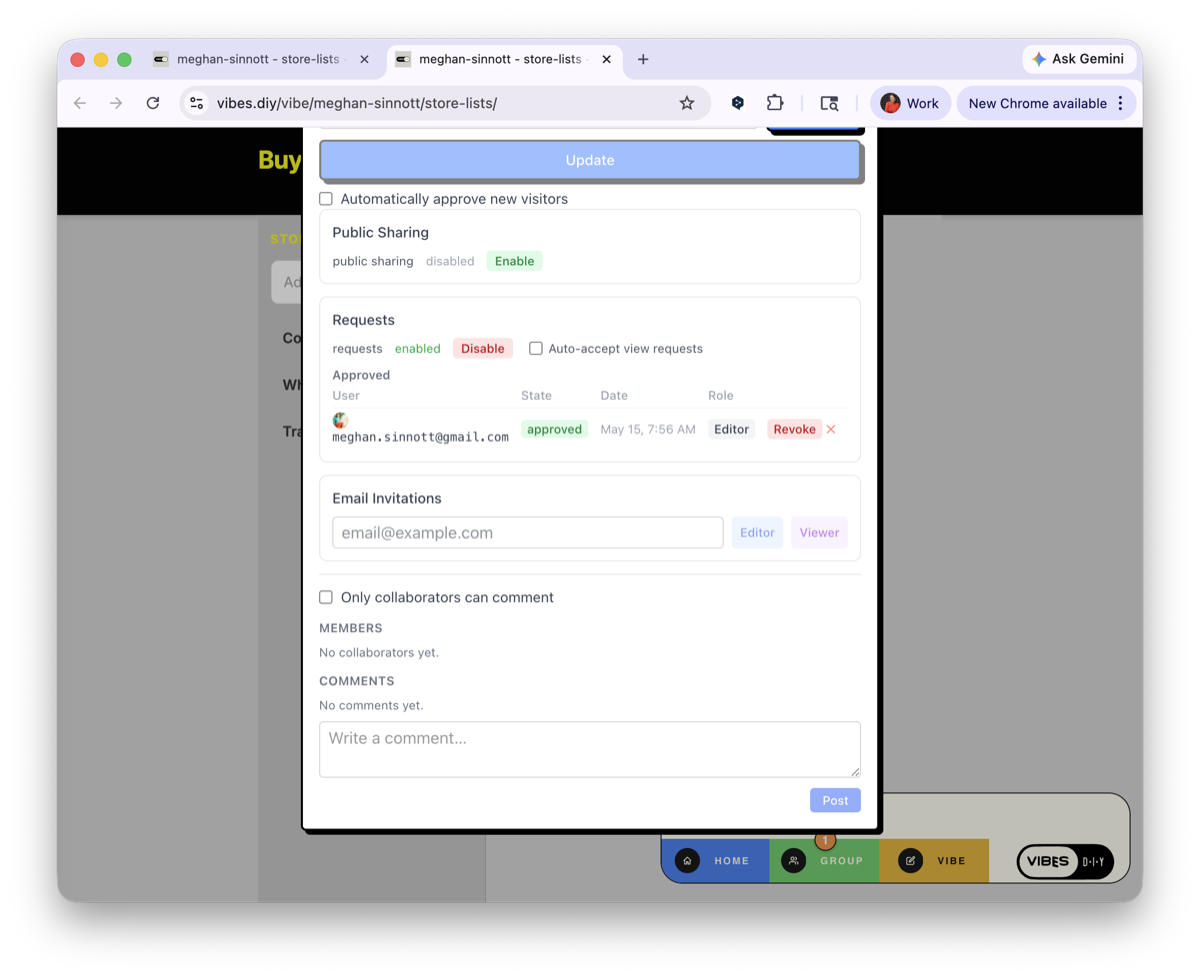
Hit Share in the top right of the builder, choose your visitor settings, and Publish.

Your app goes live on the internet at its own URL right away. Copy the link and send it by text, email, or social. Anyone who opens it uses your live app, with no setup on their end.

The Vibes share panel
Share, set visitor access, then Publish.
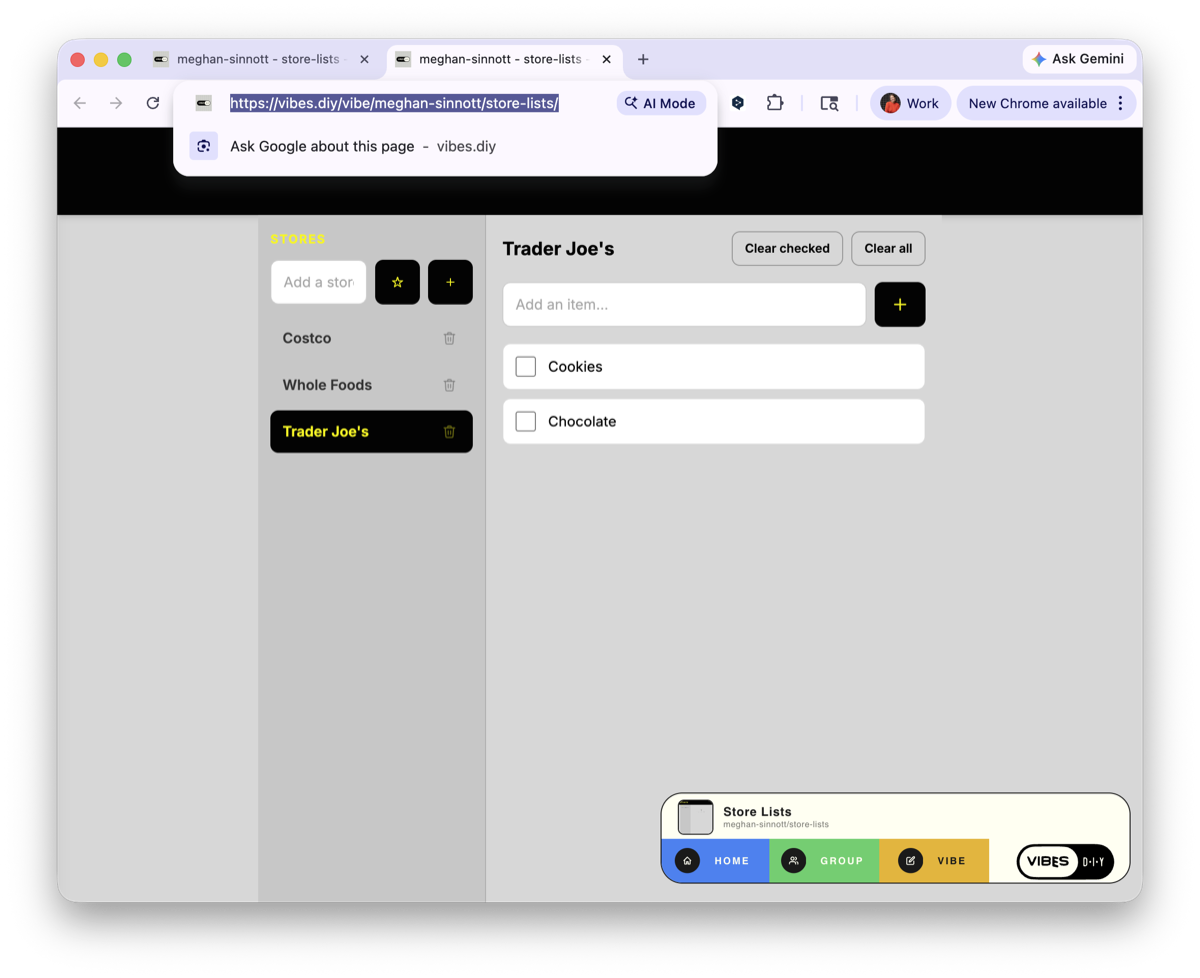
The app's public URL
It goes live at its own link to share.
PART THREE

Use it together

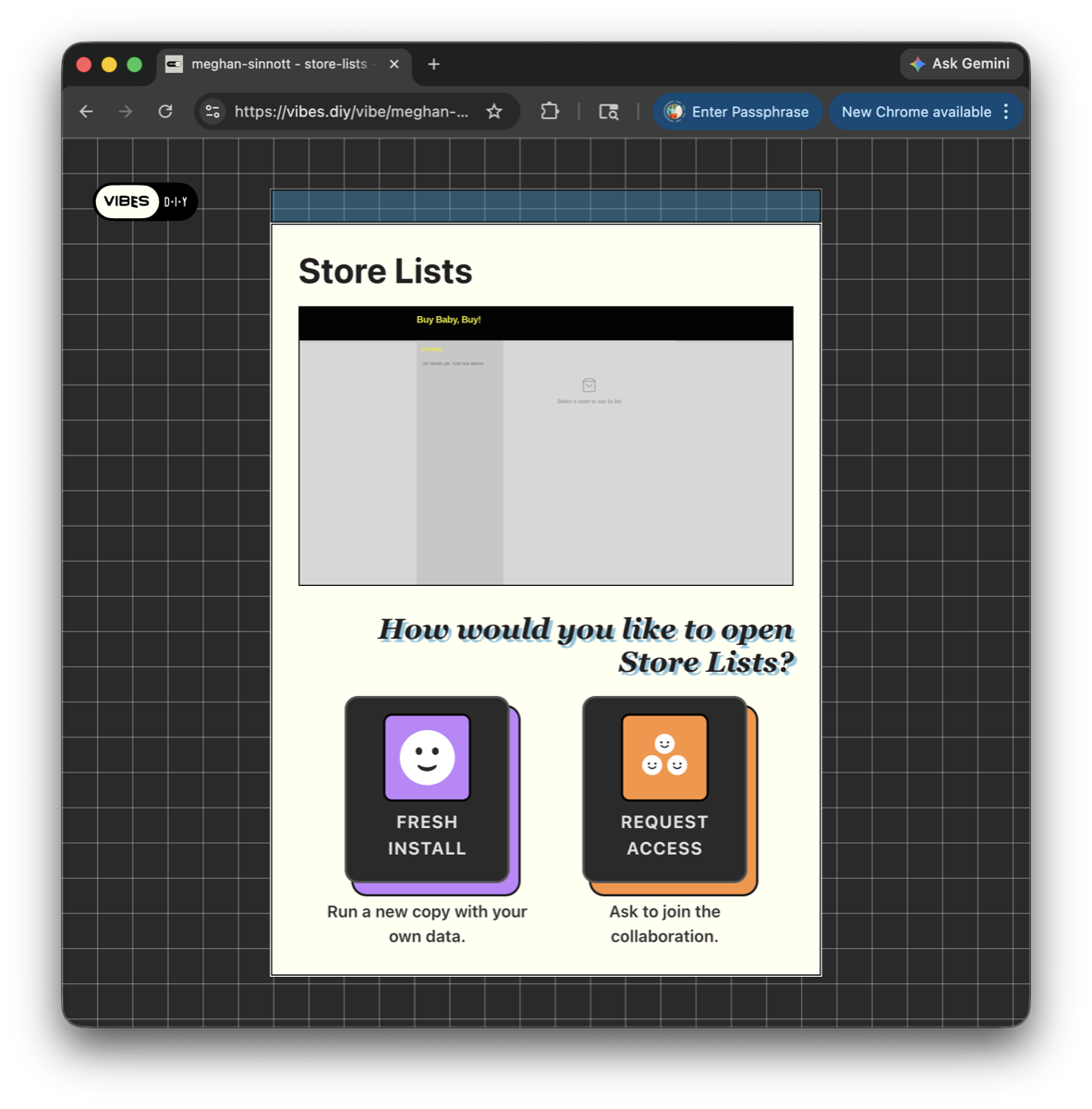
When someone opens your app, they choose how to come in: Fresh Install to start their own copy, or Join Collab to use your live version with you.

The Fresh Install or Join Collab choice screen
Players pick how to open your game. Join Collab is the one that counts.
  1. The visitor taps Join Collab and signs in.
  2. You get a notice on the Group tab.
  3. You approve them in the share panel.
  4. You are both in the same app, live, at the same time.
⚠️

For the Builder Program, this is the one that pays

A player only counts toward your $0.20 when they tap Join Collab. If they pick Fresh Install they get their own copy, which does not count. So when you share your game, tell people to tap Join.

Approving a collaborator
Approve them and you are both in, live.
Real-time sync across devices
Their changes show up on your screen in real time.
PART FOUR

Remix it

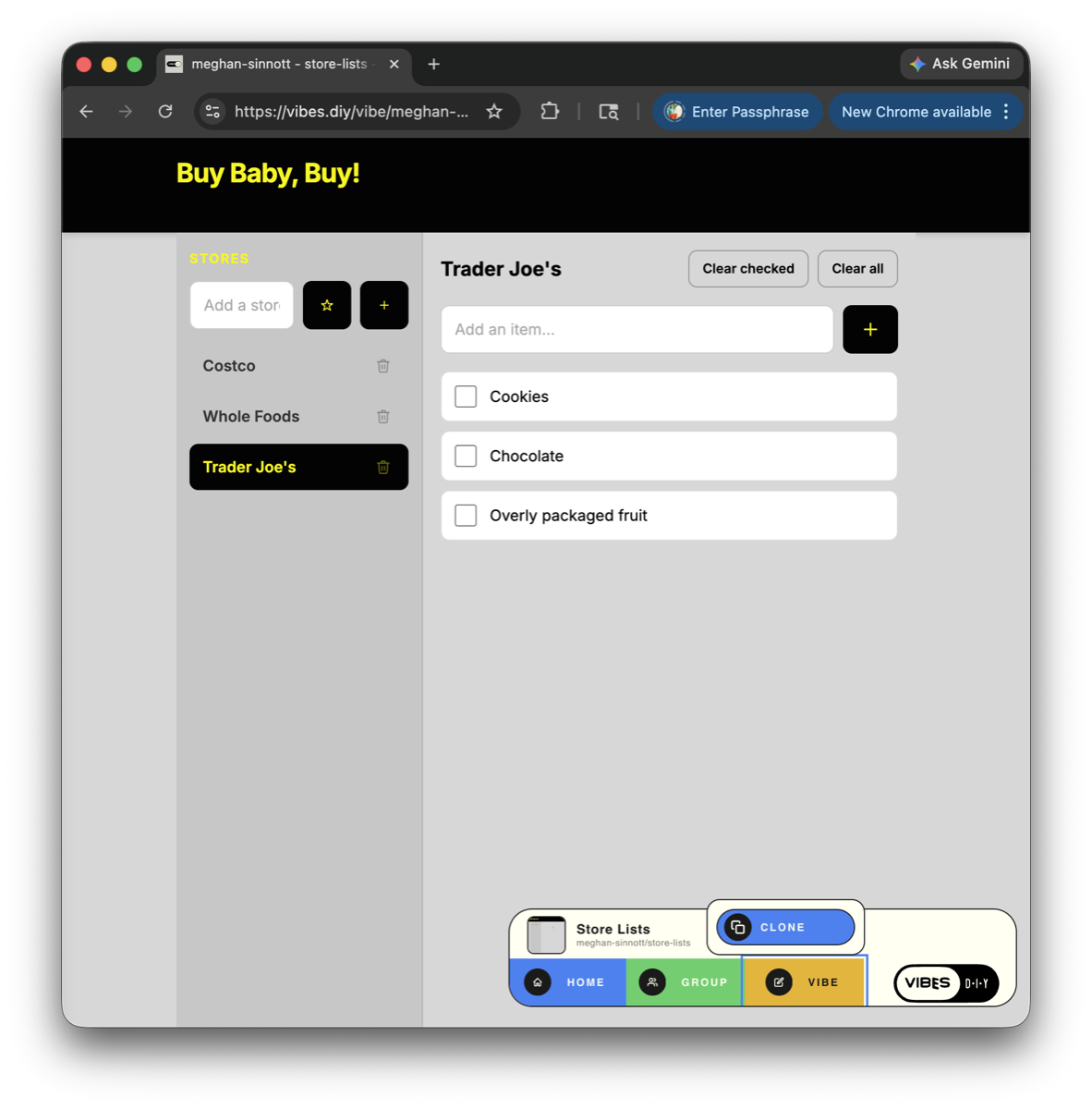
Published apps have a Clone button in the Vibes bar.

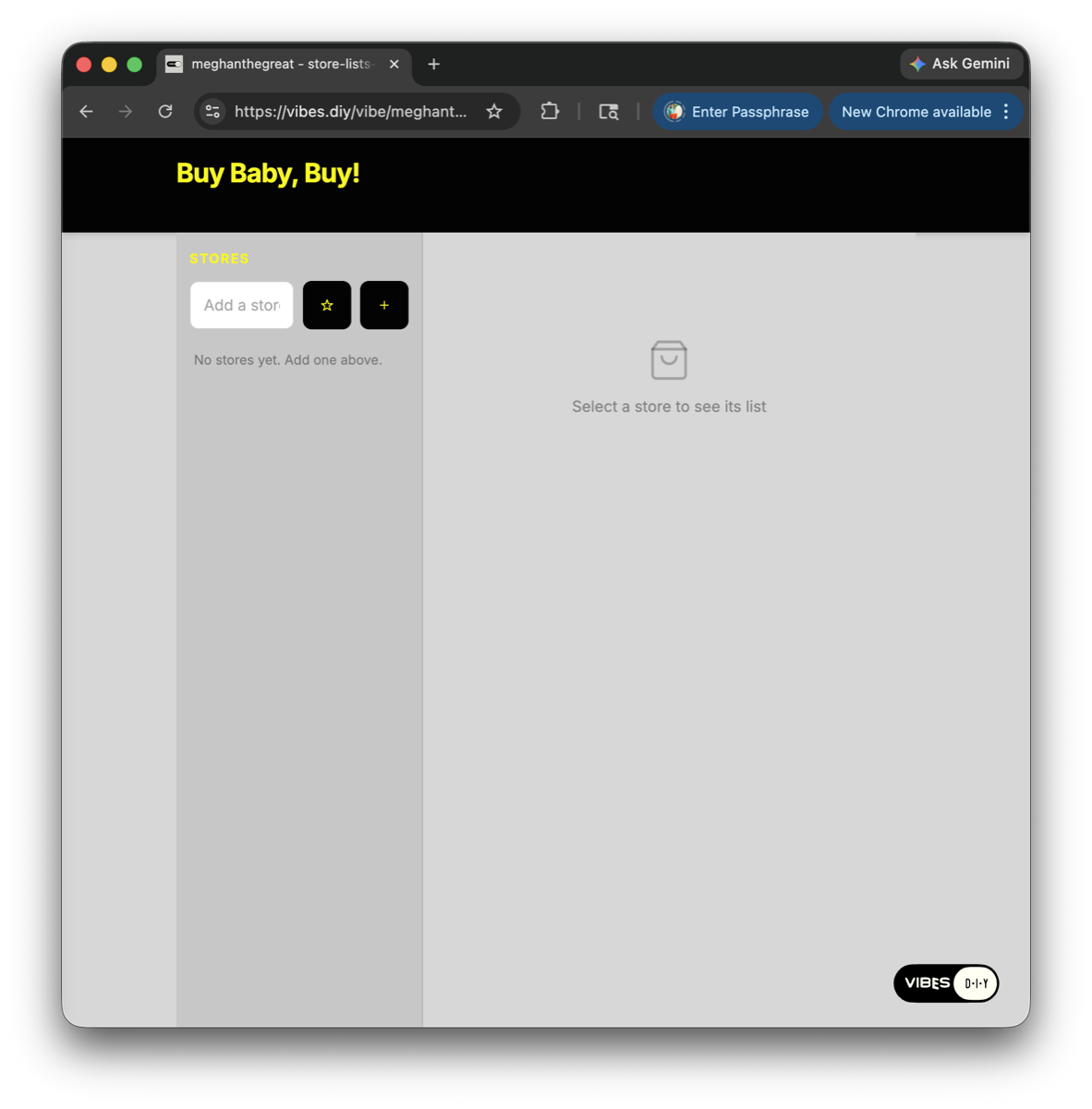
One tap copies the whole app under your account, with your own data and your own URL. A cloned app starts blank, then you prompt the chat to take it in a new direction while keeping the structure. This is how you turn one of the example games below into something that is yours.

The Clone button in the Vibes bar
Clone copies the whole app to your account.
A freshly cloned app
Your own copy, ready to remix.

Start from one of these, choose Fresh Install, and make it your own.